Make your catalog easier to buy from.
FactFinder brings search, recommendations and merchandising into one product discovery platform. All supported by AI that follows your rules and understands and learns from your shoppers.
FactFinder brings search, recommendations and merchandising into one AI powered product discovery platform.
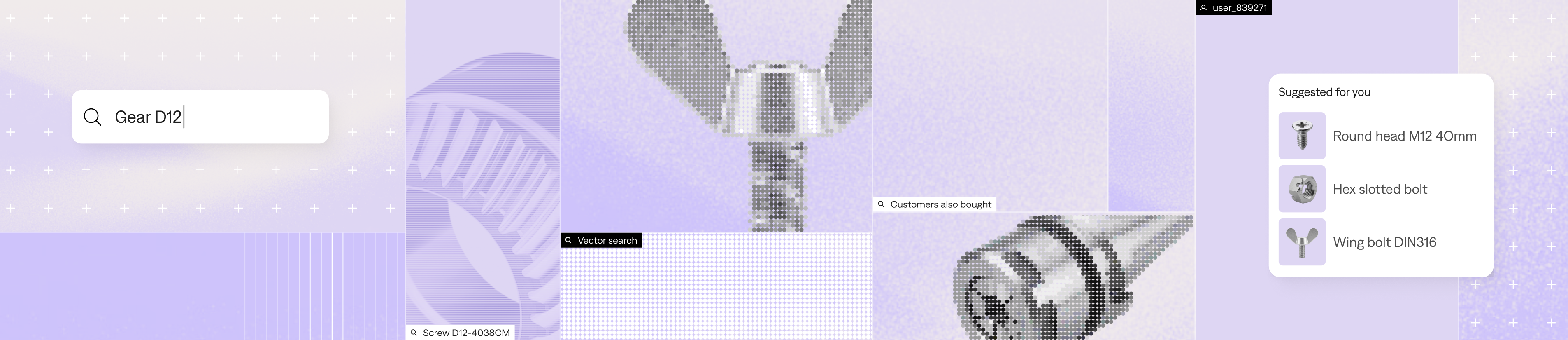
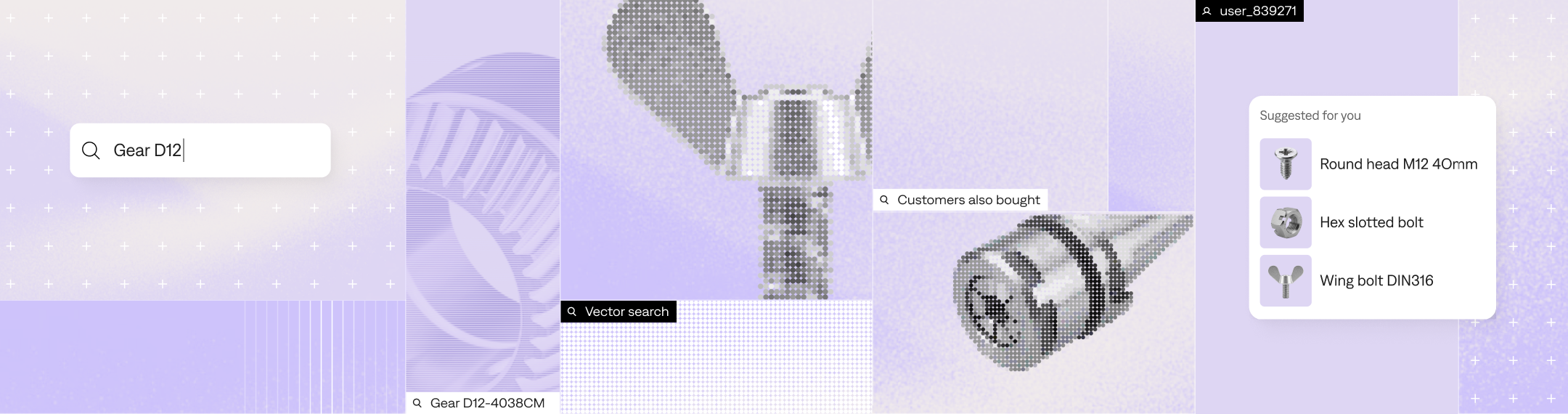
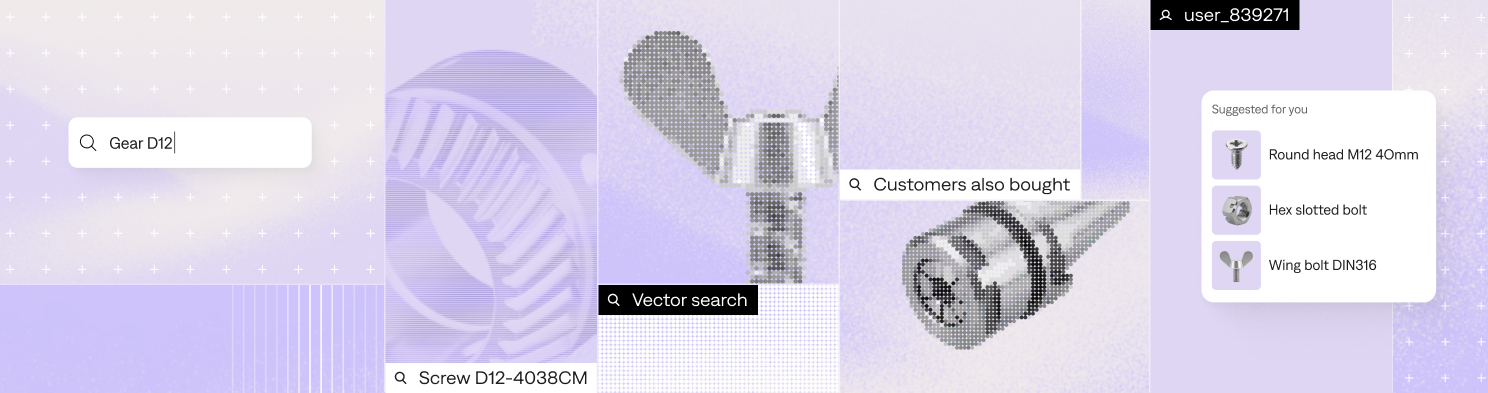

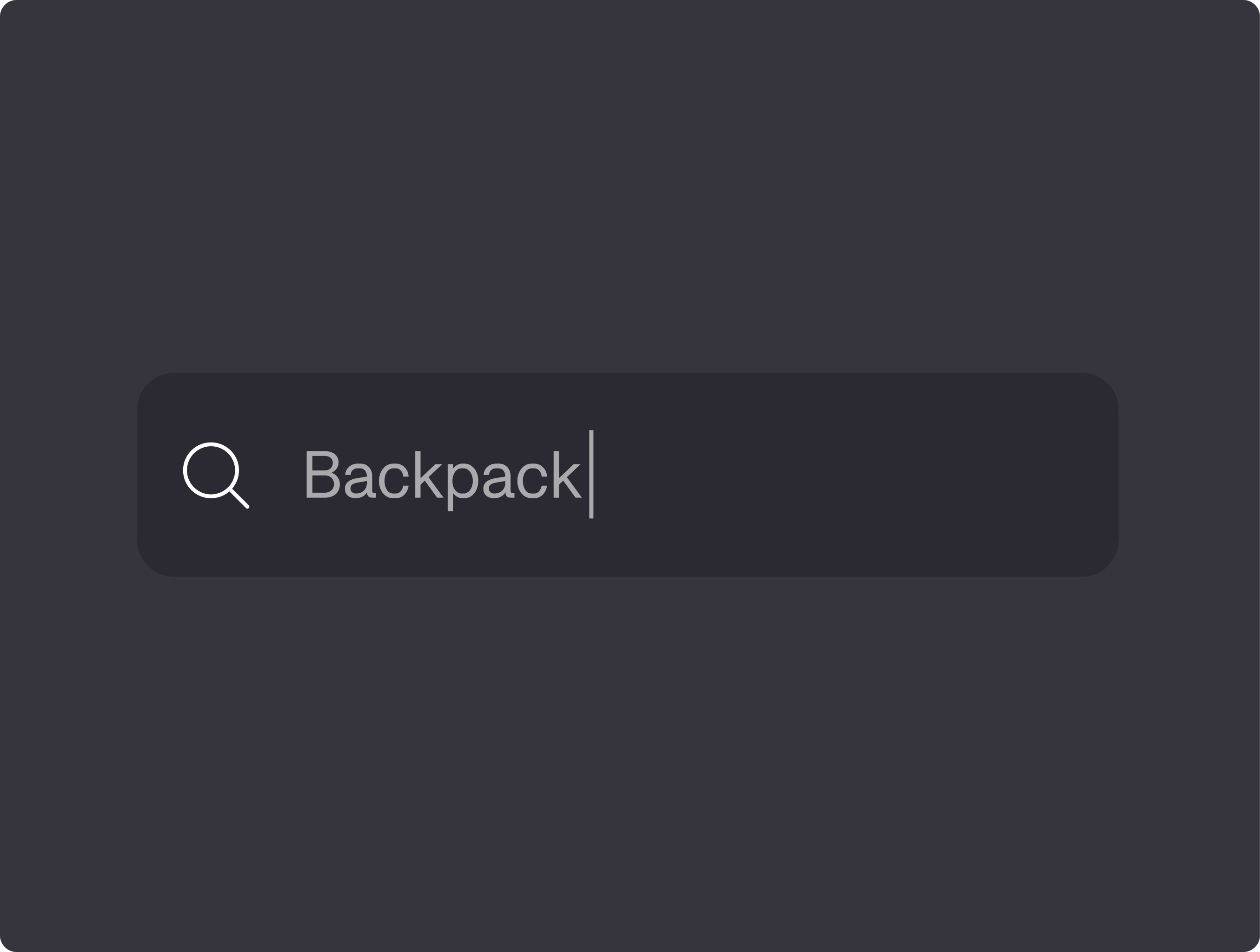
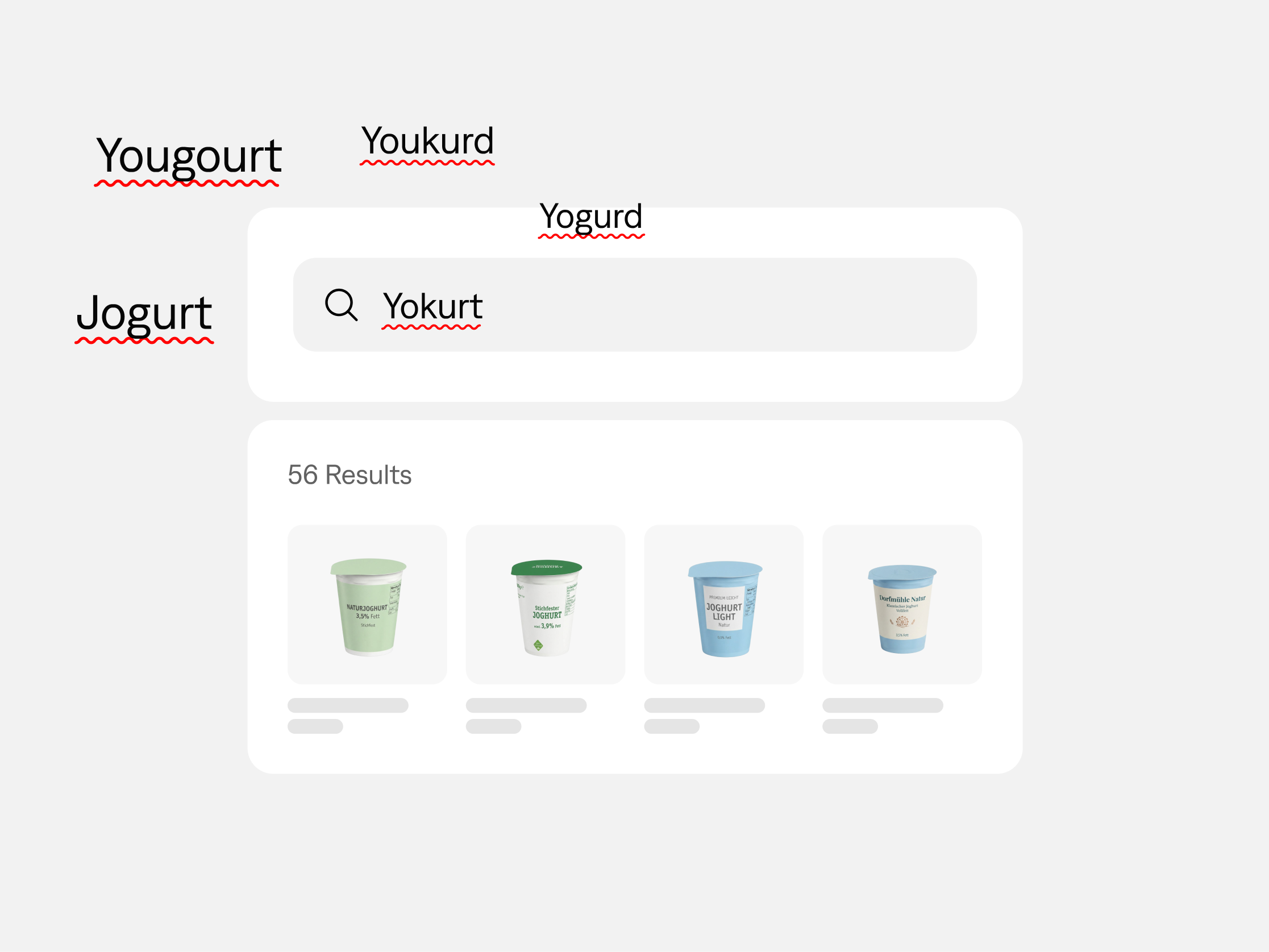
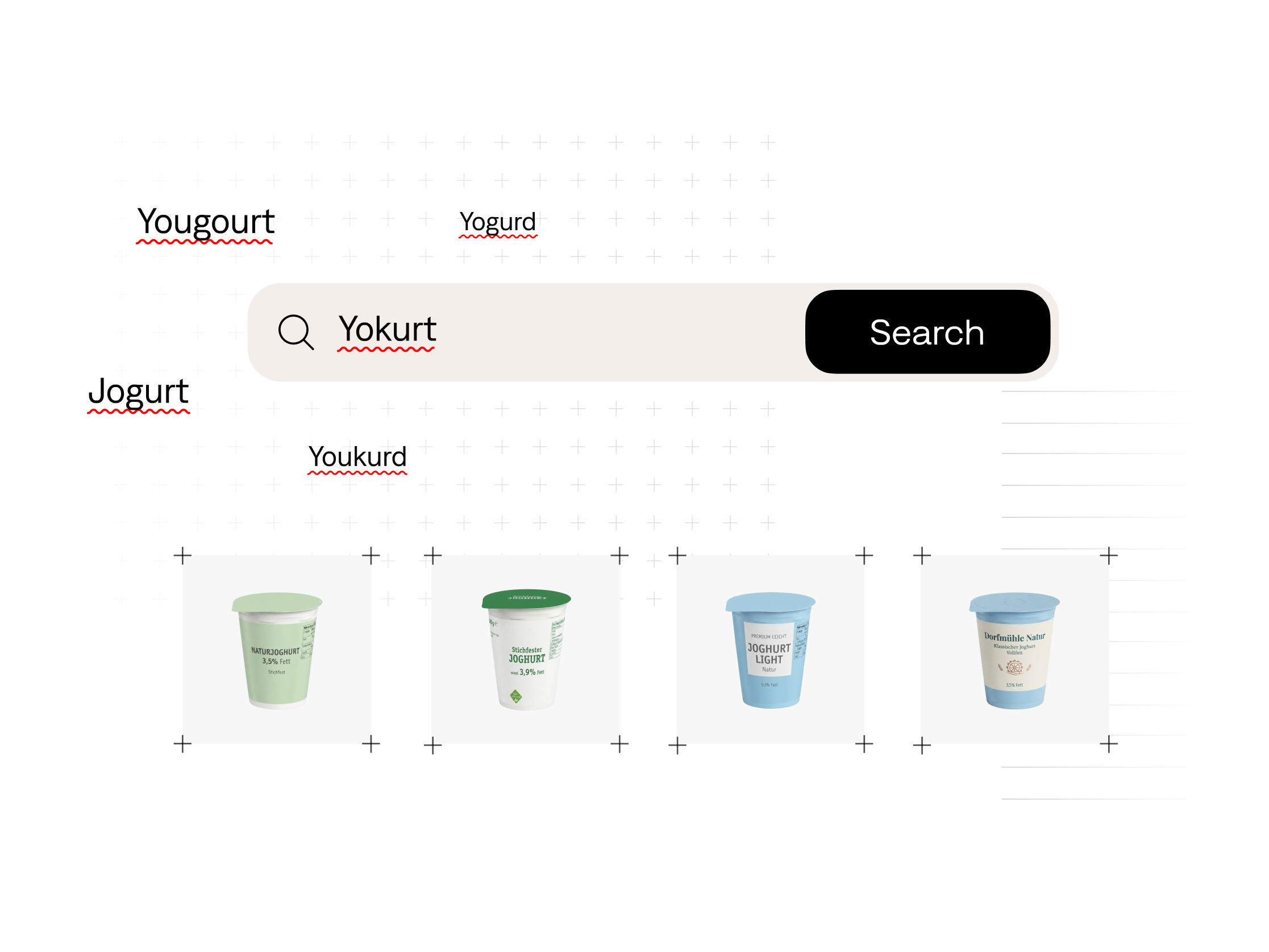
A part number should lead to the exact item. But a description should work too. FactFinder handles precise queries, natural language and typos, so shoppers can search in their own words.
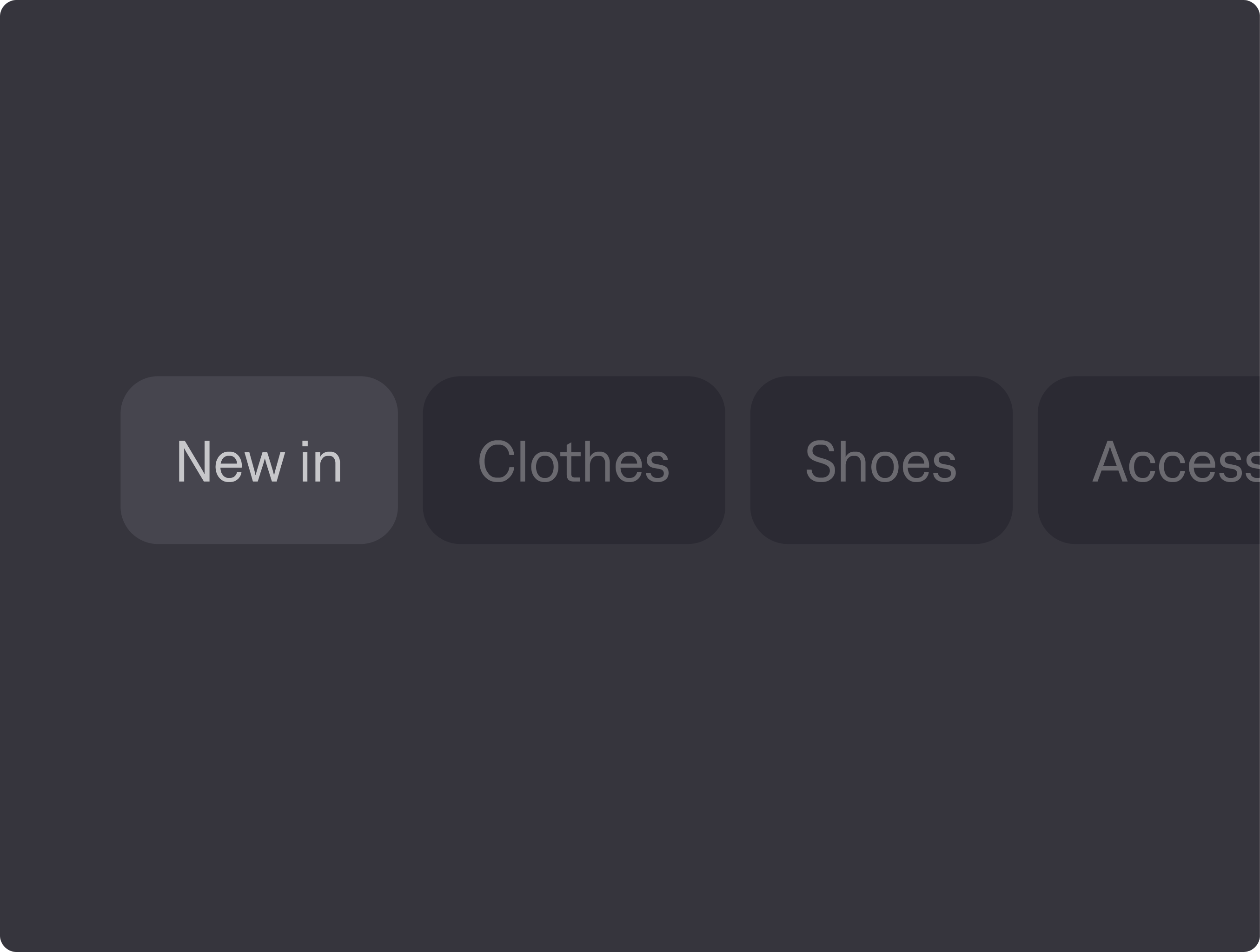
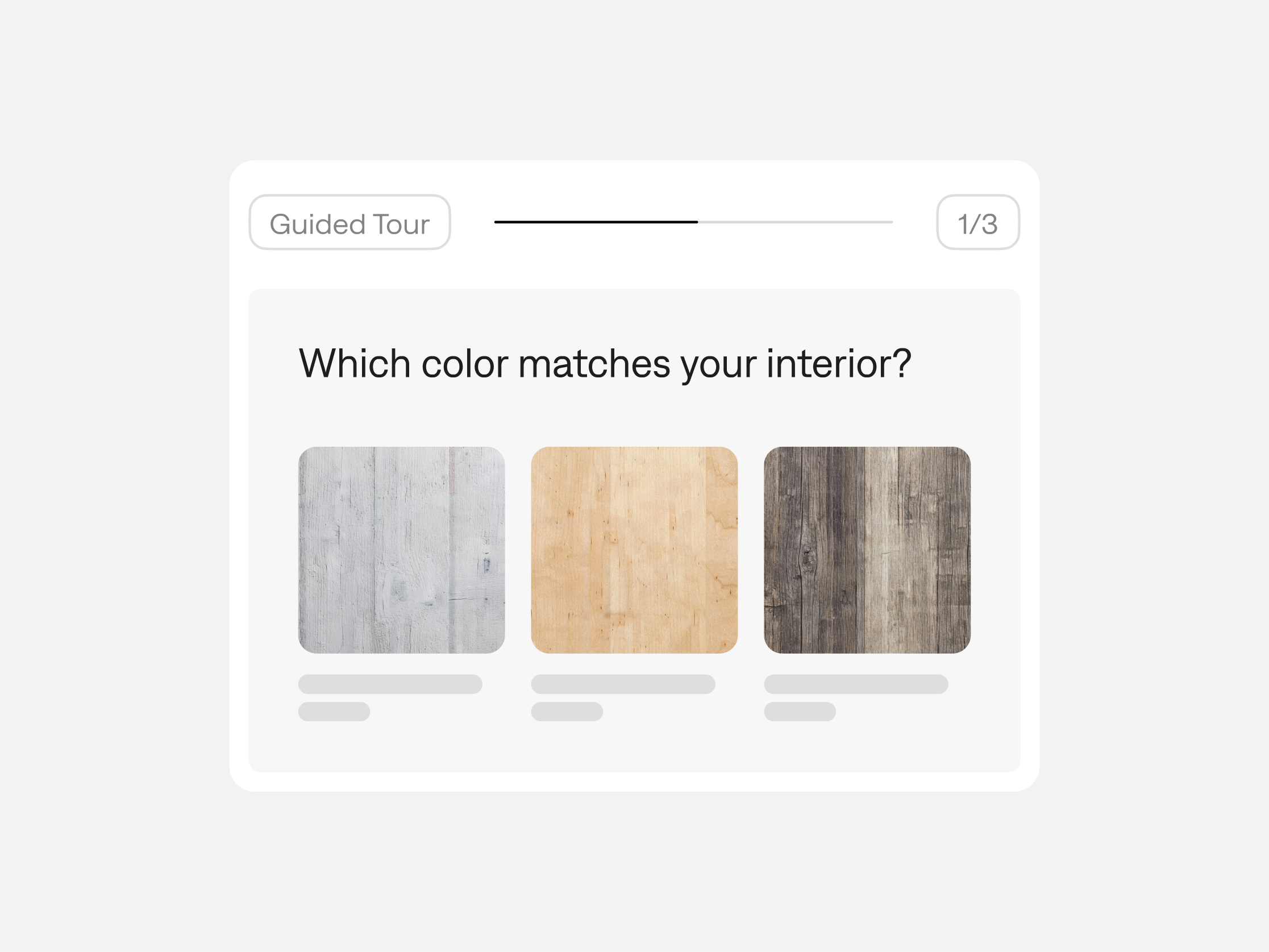
Like a good shop assistant, guided questions and filters help shoppers narrow the choice to products that fit.
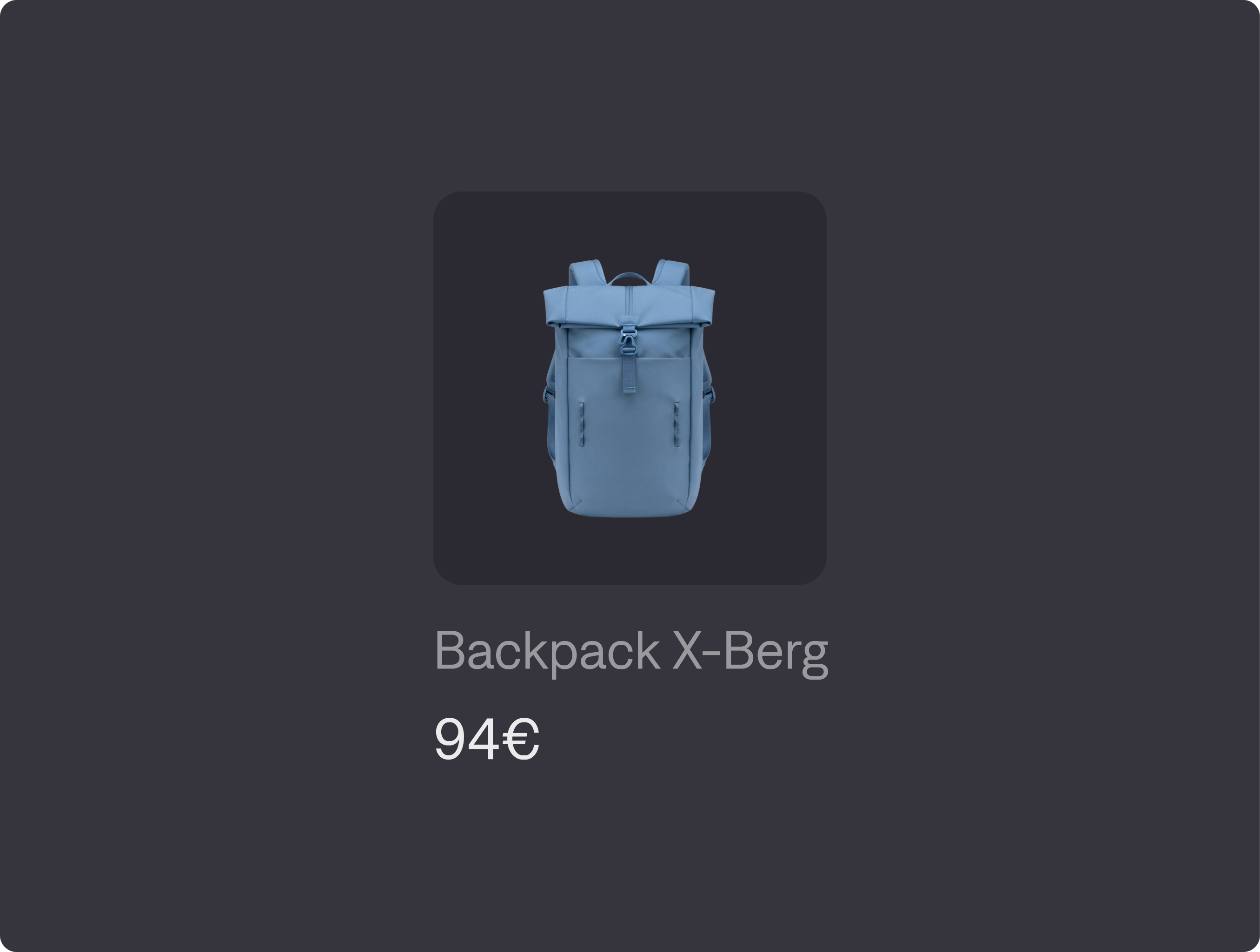
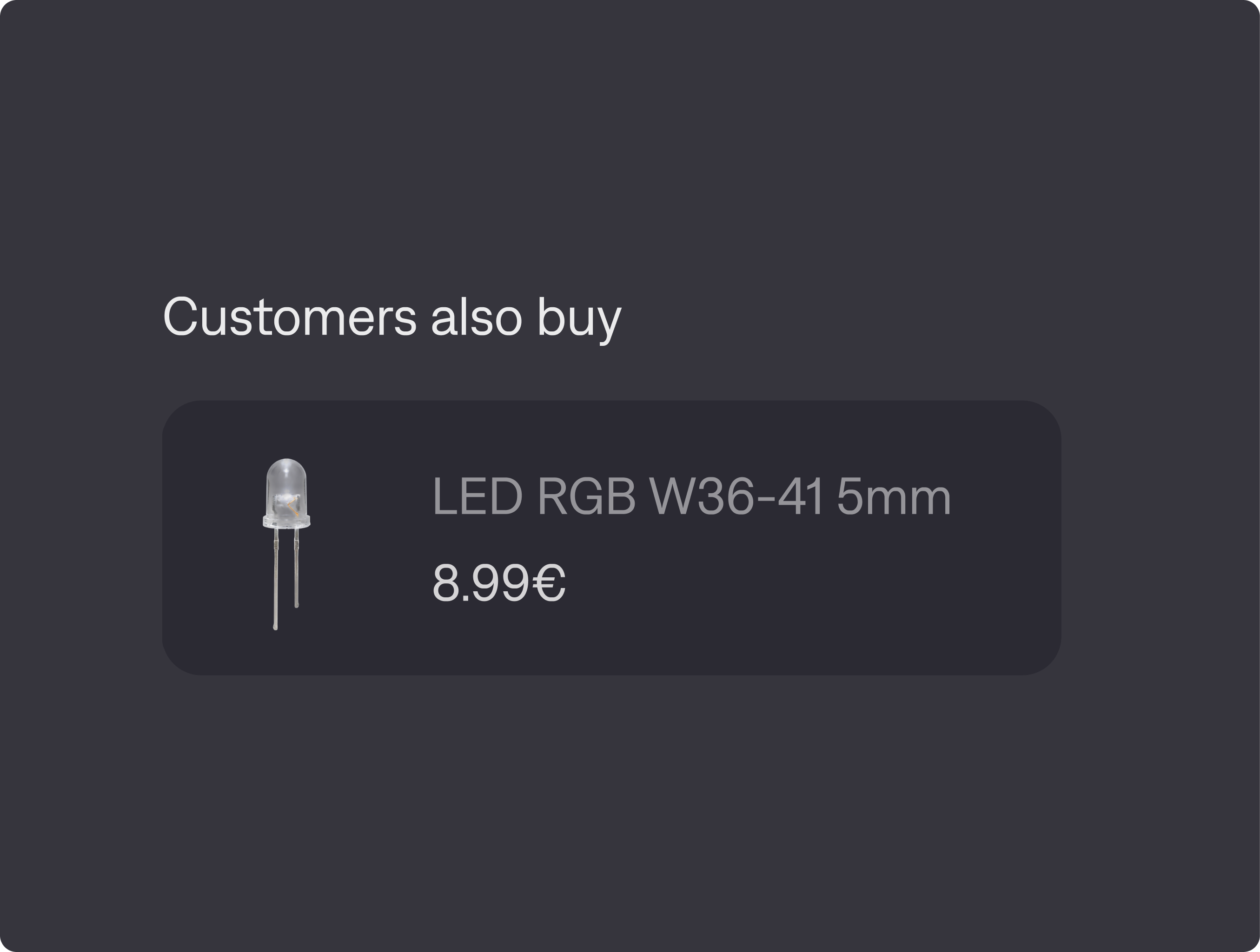
Show useful accessories, alternatives and products often bought together, based on what shoppers browse and buy.
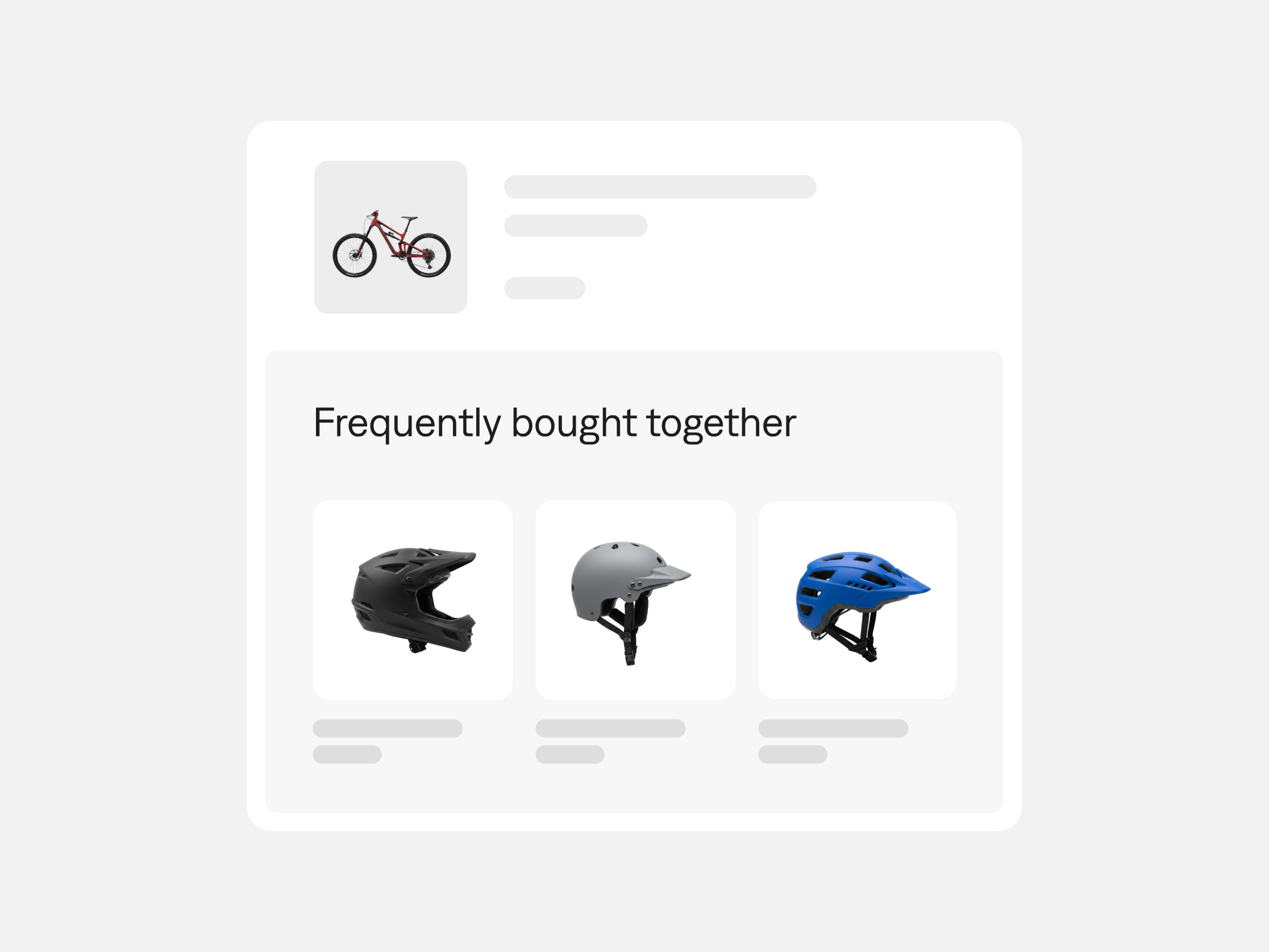
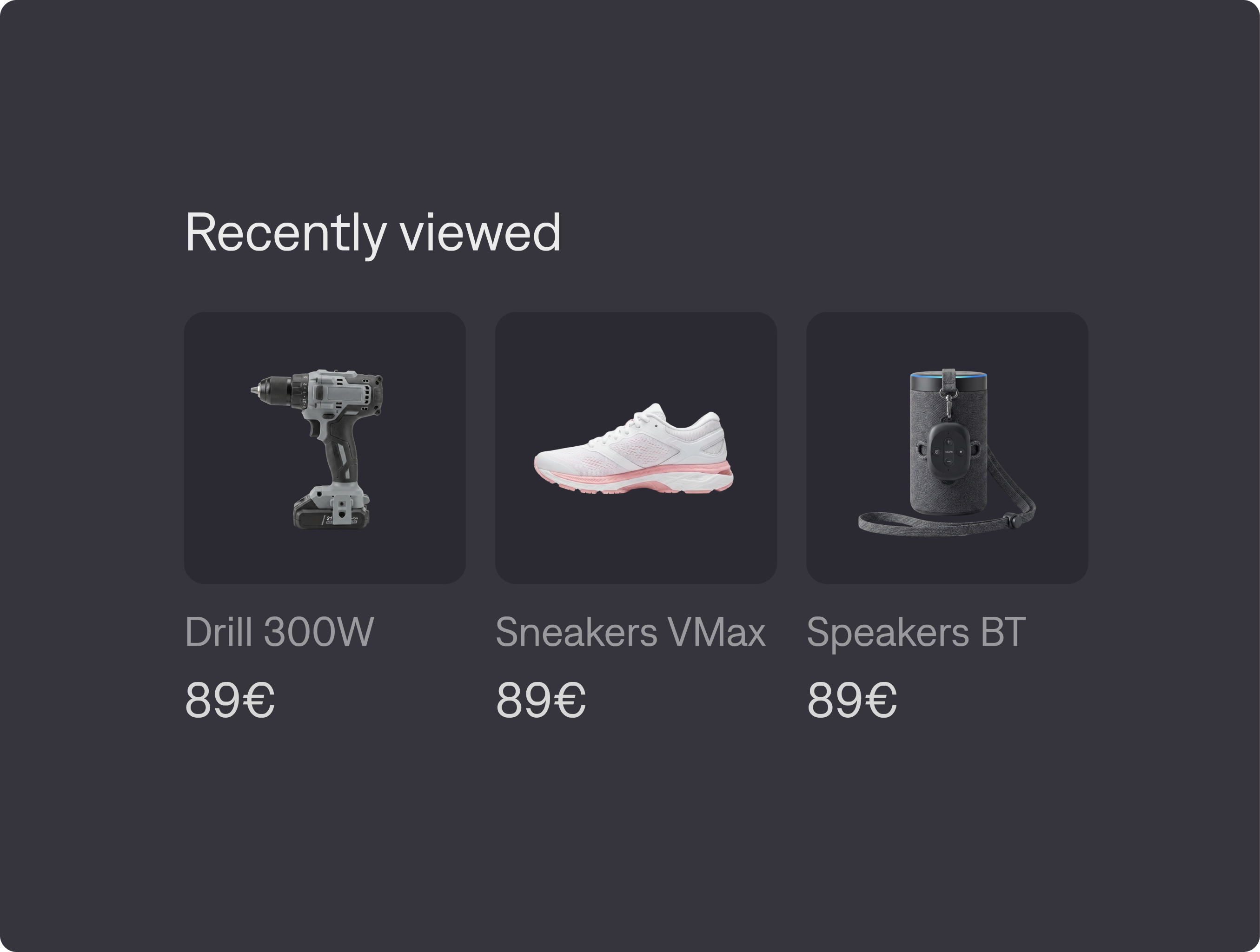
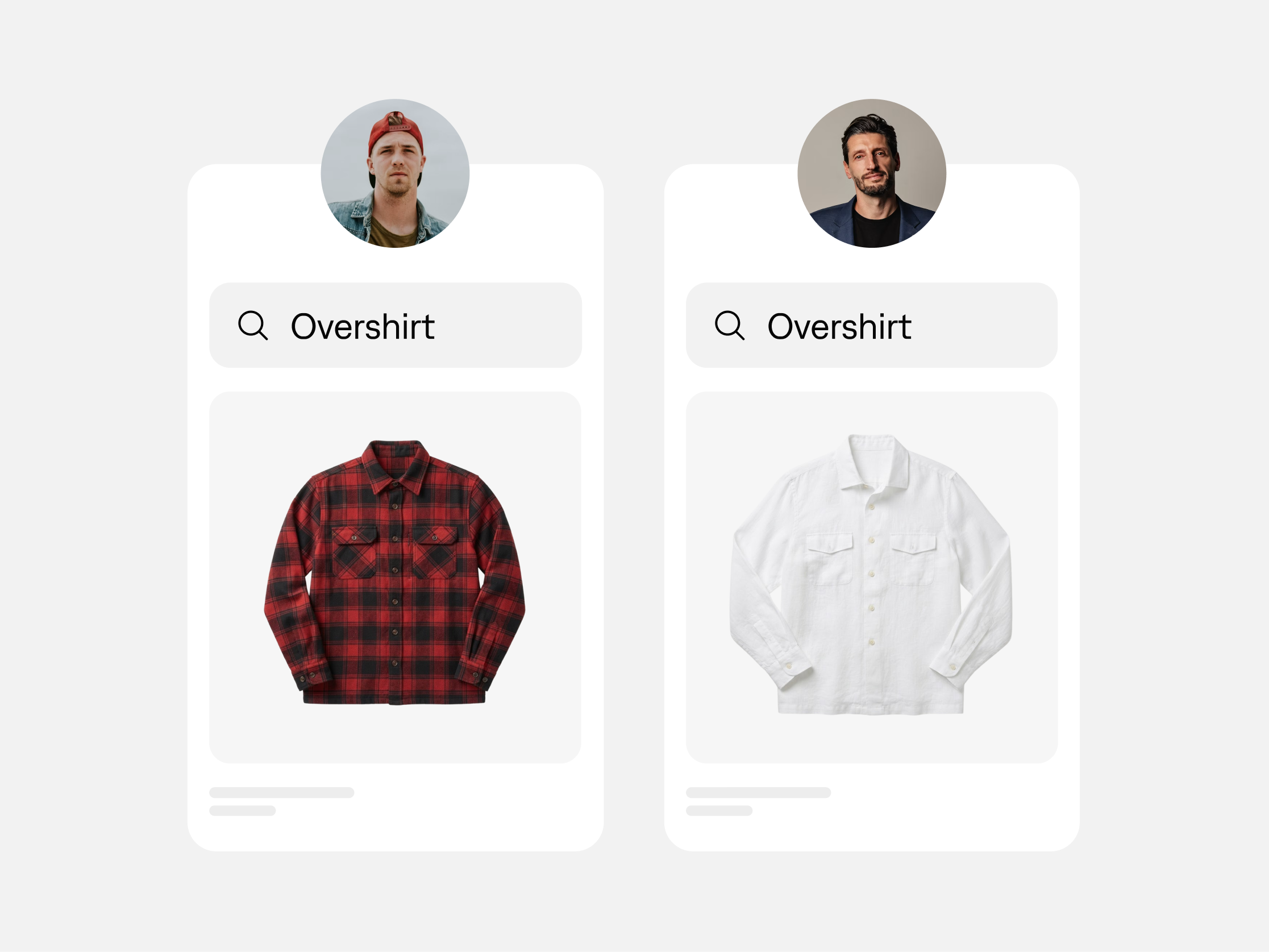
What someone looks at and buys helps shape what they see next. FactFinder adapts results during the visit and can use previous shopping behavior when they return.
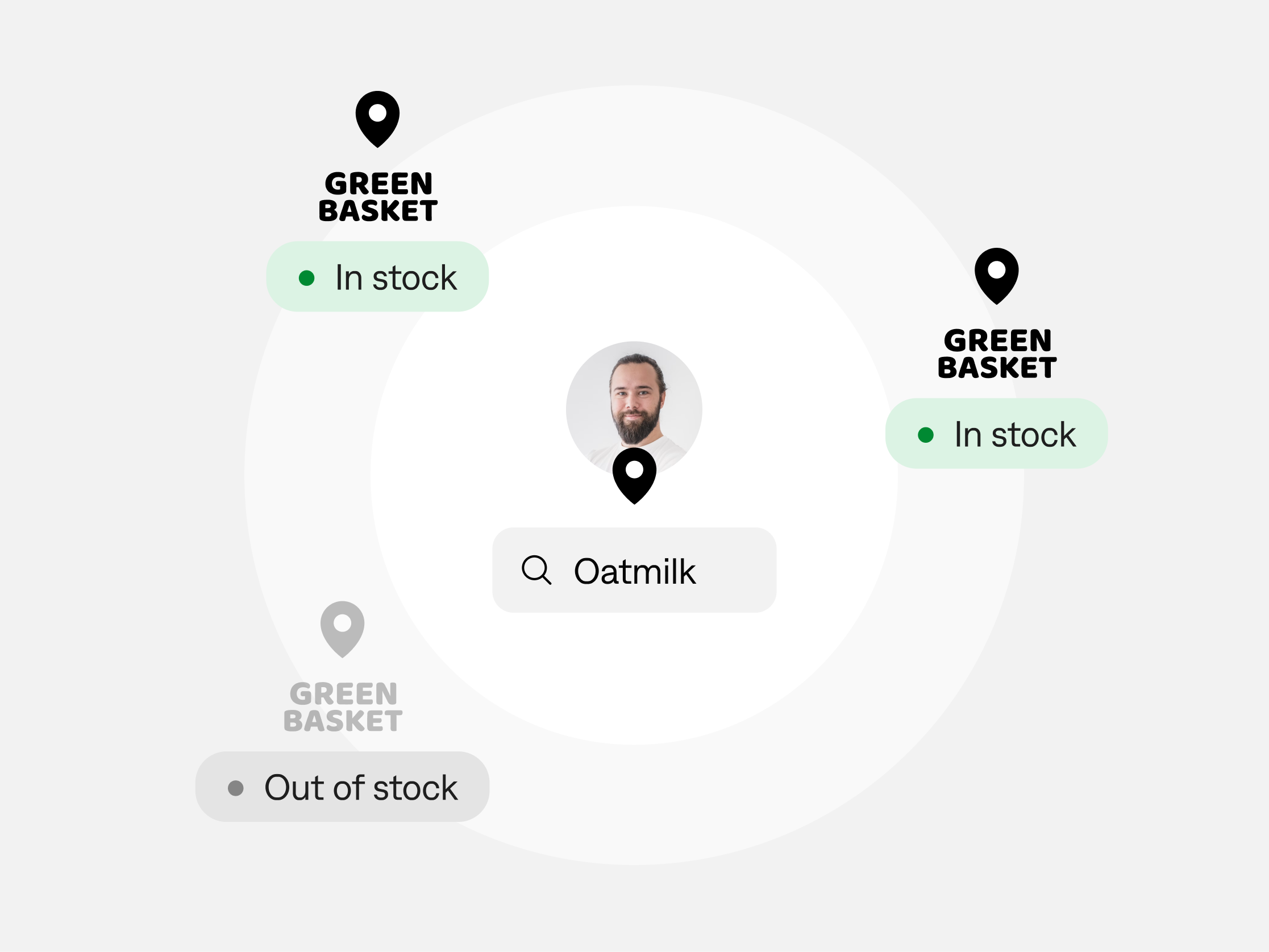
Sometimes a photo isn’t enough. Shoppers can check store-level stock and local assortments in search before they go.
For all kinds of shoppers

“I know exactly what I need.”
They have an article number, SKU or product name. They want the exact item, without a list of near matches to work through.

“It has to meet these specs.”
Size, material, compatibility or rating: they have requirements to work through before they can choose.

“I know what I need it to do.”
They have a job to do or an occasion to shop for, and they’re still working out which products fit.

“Just having a look.”
They’re window shopping—perhaps for actual windows, lab equipment or a stroller. Suggestions based on their interests can turn a look around into a purchase.
AI that understands intent – and learns from shoppers

Understand the meaning behind the search
Vector search matches descriptive queries to products by meaning and intent. It helps shoppers find what they want even when their words don’t appear in your product descriptions.
Learning from shoppers
Atlas AI adjusts product rankings using what shoppers click and buy. It can respond to the current visit and use previous preferences when a shopper returns.
Detects and reacts to signals and trends
Across shoppers, search queries and interaction patterns help Atlas AI improve overall relevance. Results and recommendations can adapt as shopping behavior changes.
Put your commercial priorities on the page
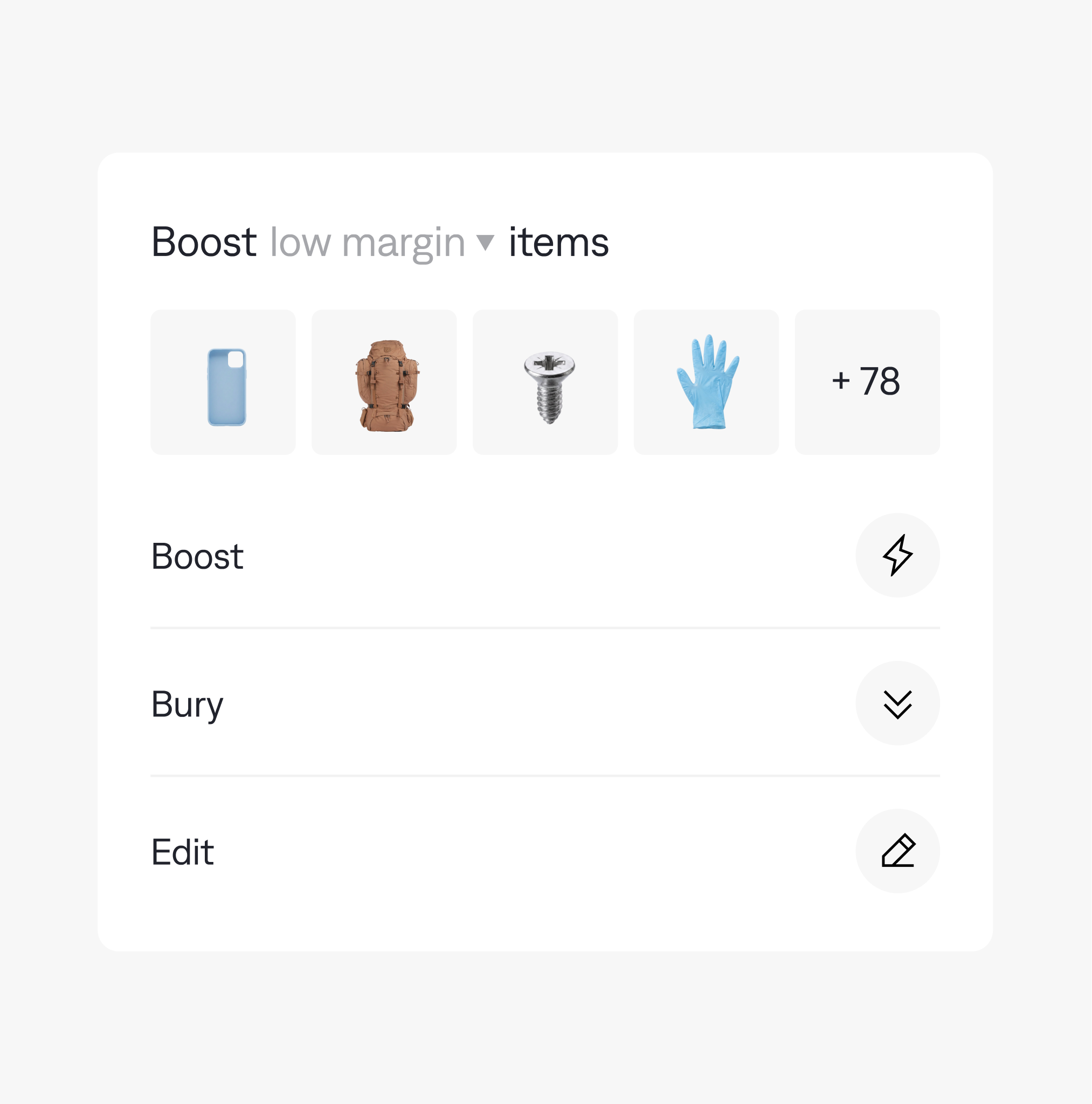
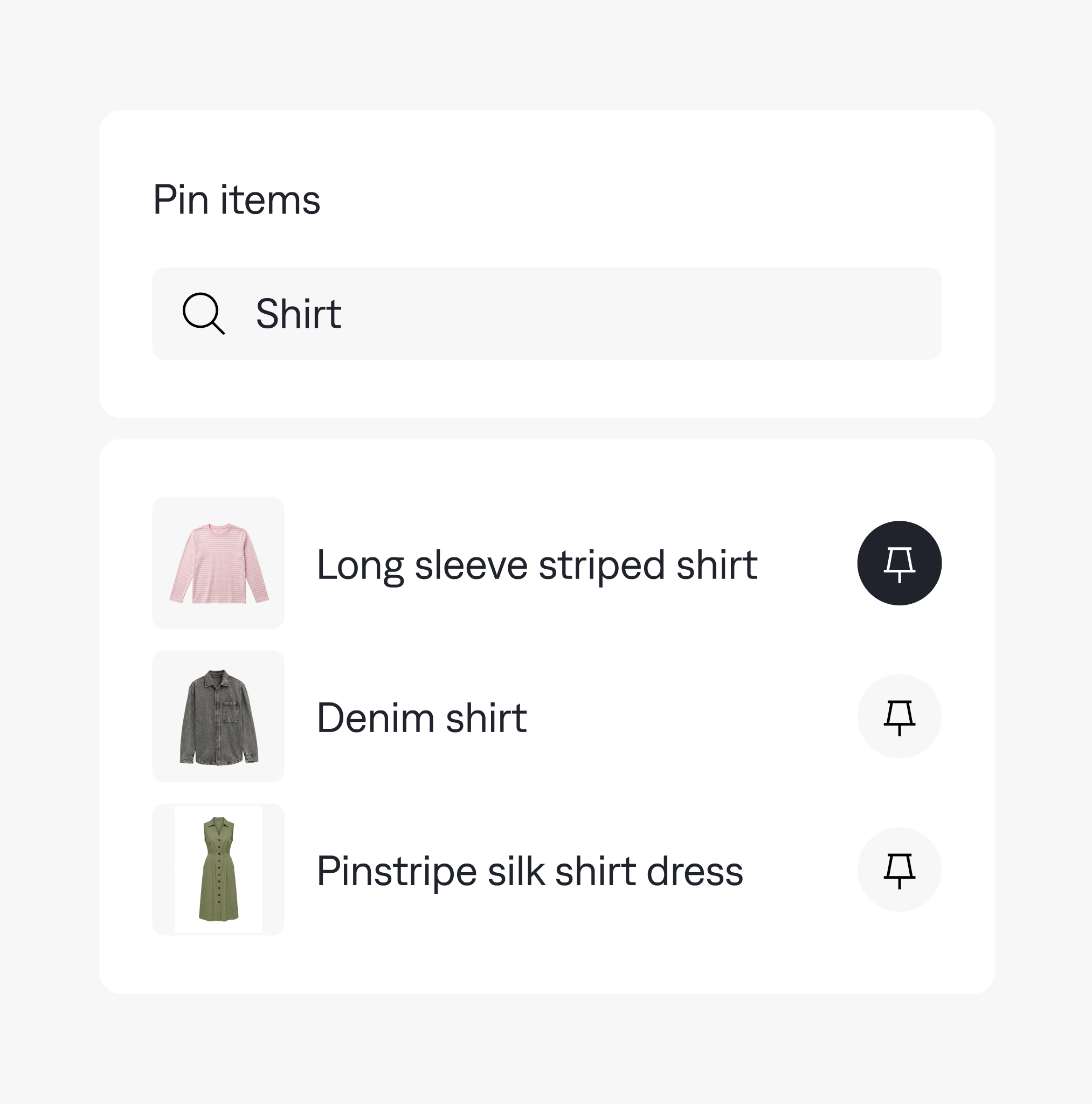
Ranking rules & pinning
Rank search and category results by margin, stock, brand or season. For a launch or promotion, pin selected products to specific positions.
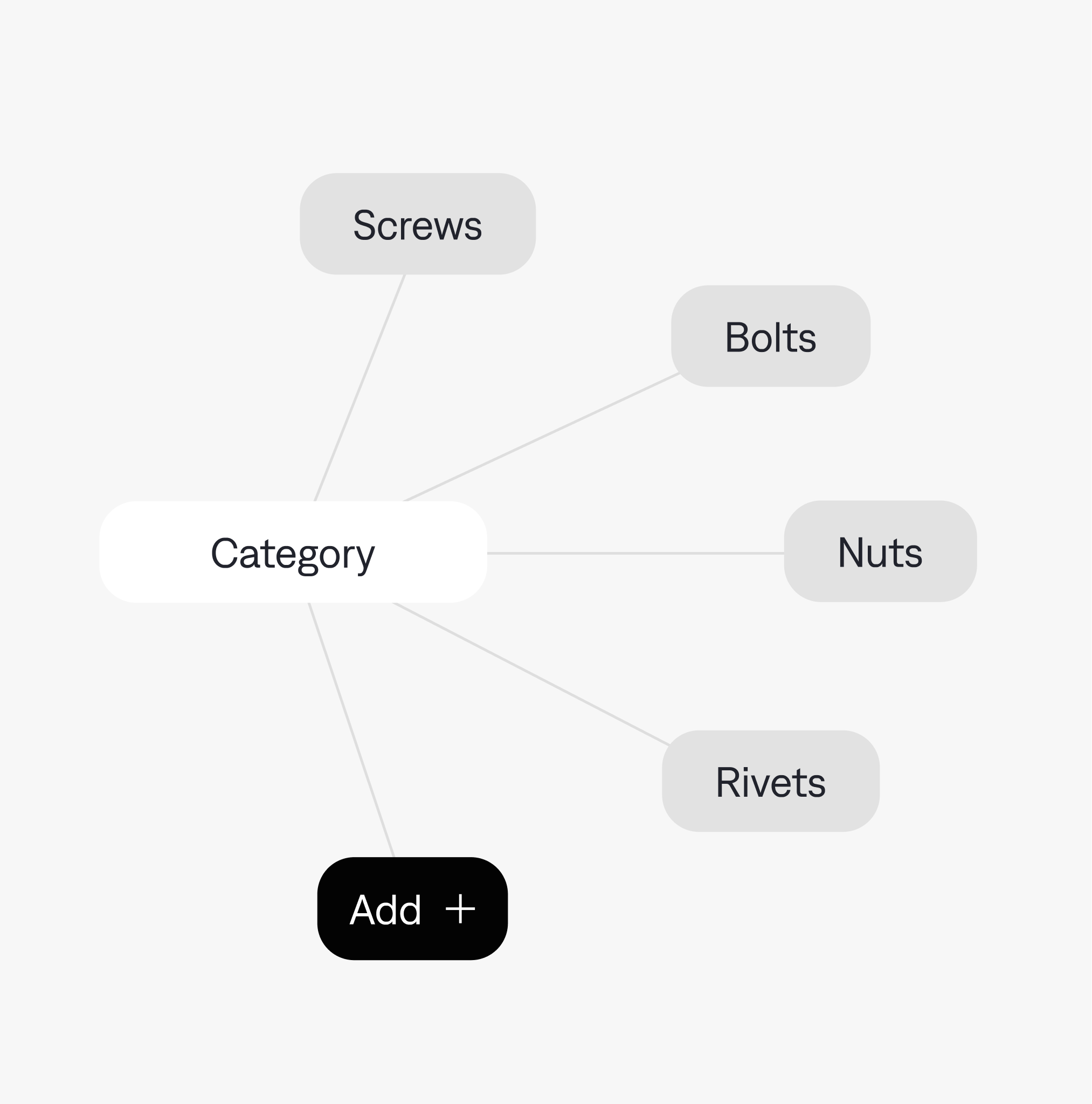
Filters & facets
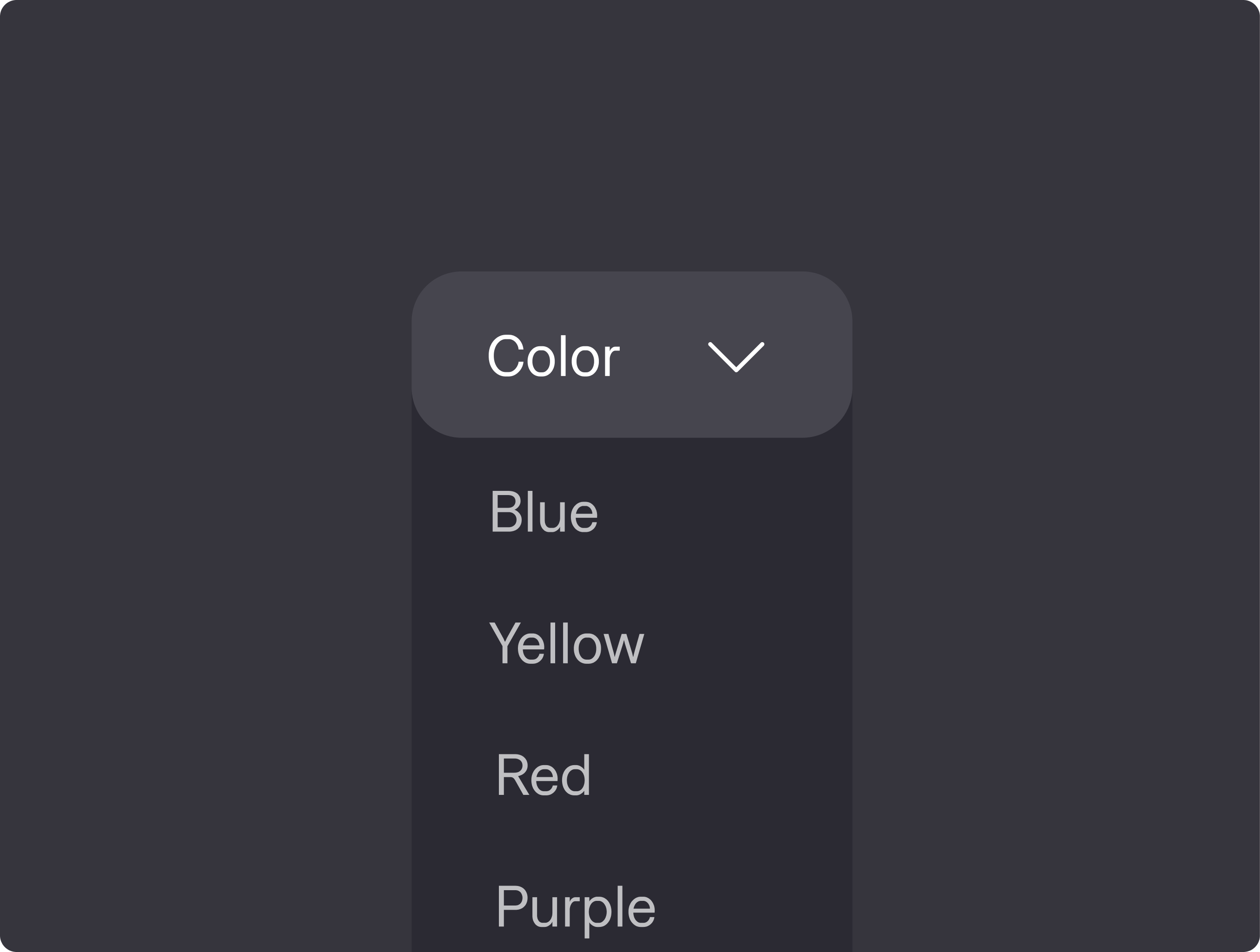
Sometimes the choice comes down to a measurement or a material. Filters for size, compatibility, price and availability help shoppers narrow down and find what they want.
Customer-specific prices & assortments
The price you’ve agreed with a buyer is the price they see as they search and browse. Their account-specific range is there too – even before the checkout page.
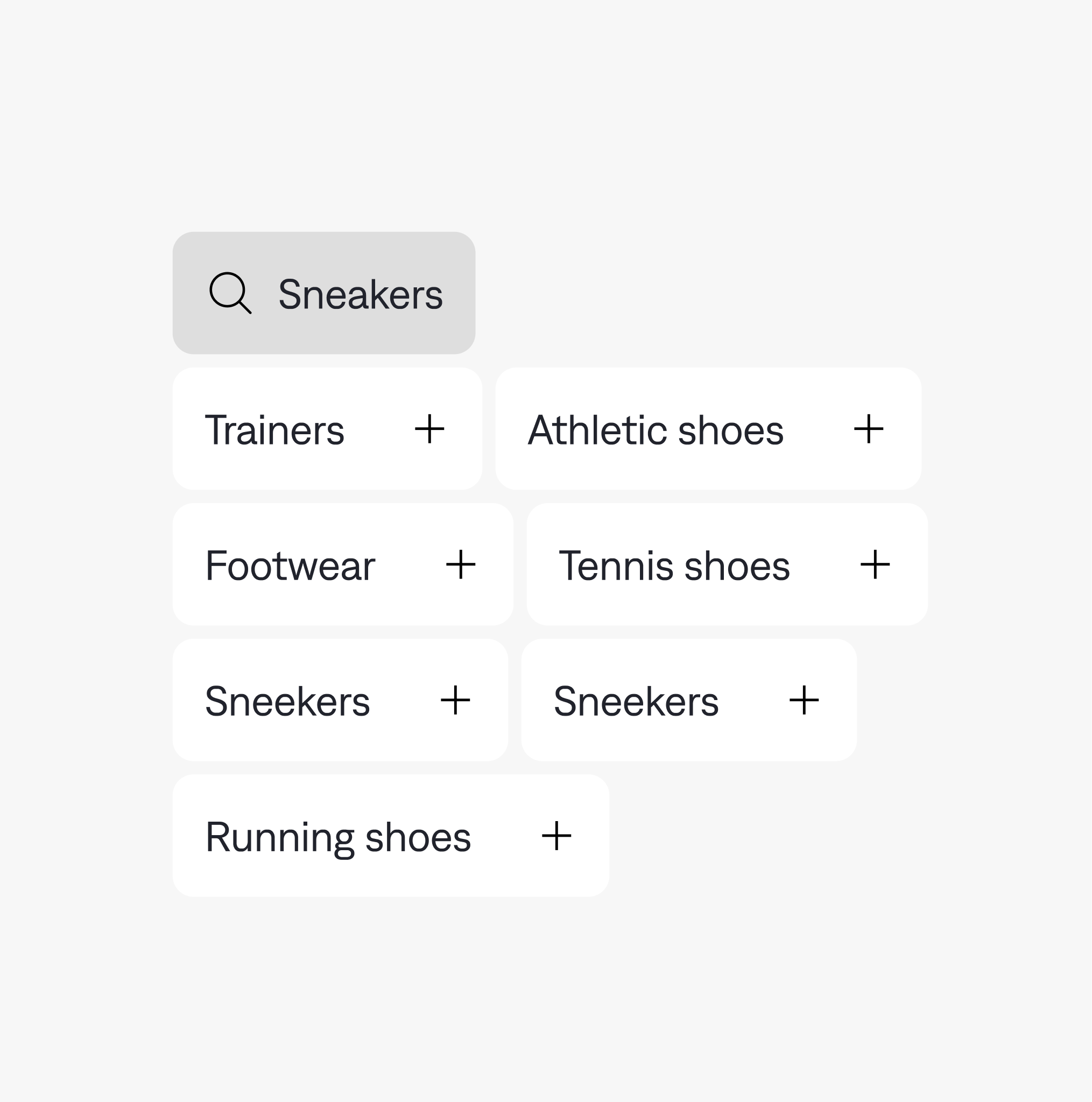
Synonyms & search tuning
Your buyers may have another name for what’s in your catalog. Synonyms and query tuning connect trade names, abbreviations and everyday wording to your products, so even a different word leads to the right results.
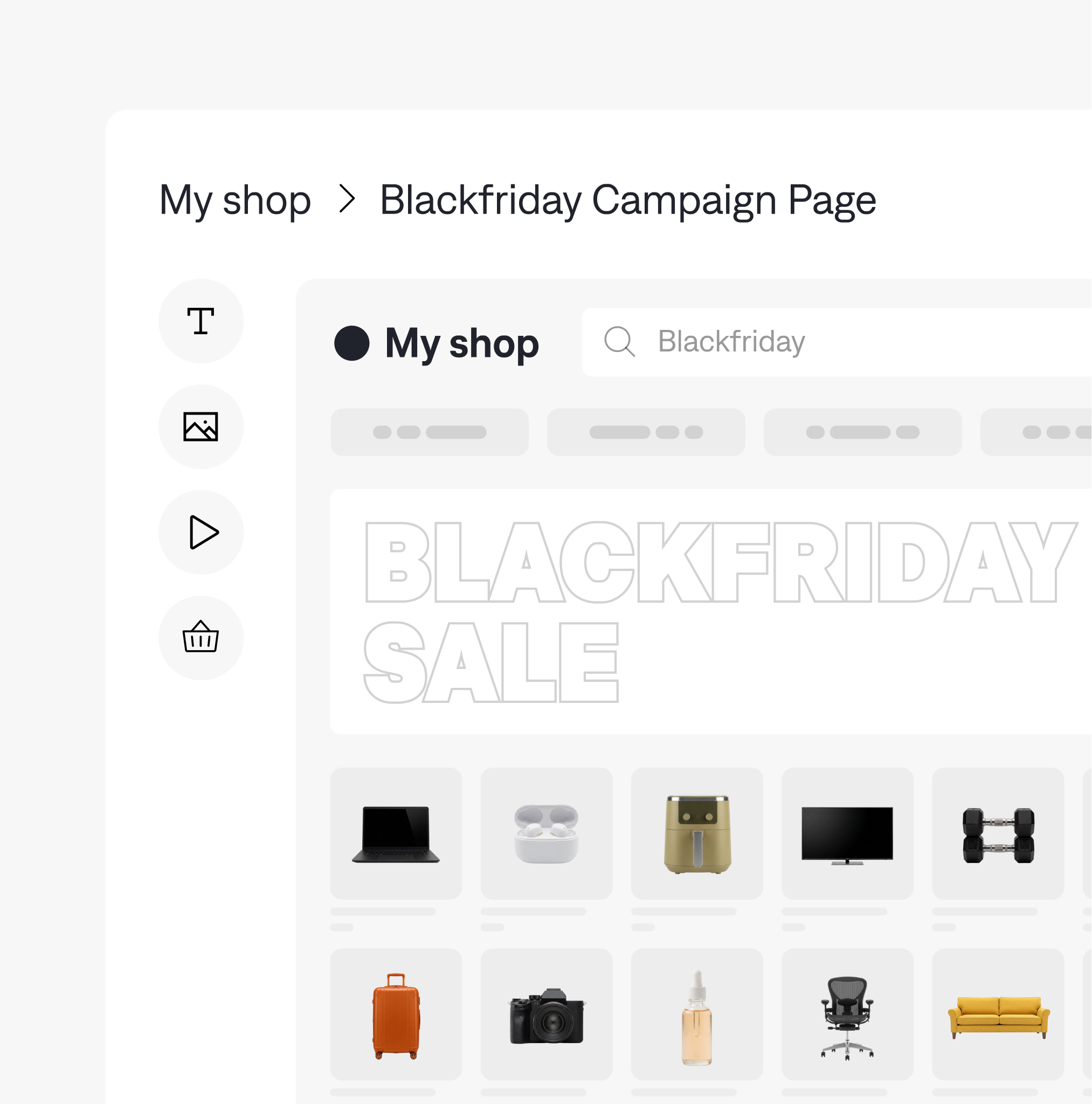
Promotional campaigns
Use banners, redirects and product promotions to kick off new or support your running campaigns. Define which searches trigger an offer or take shoppers to a dedicated landing page.
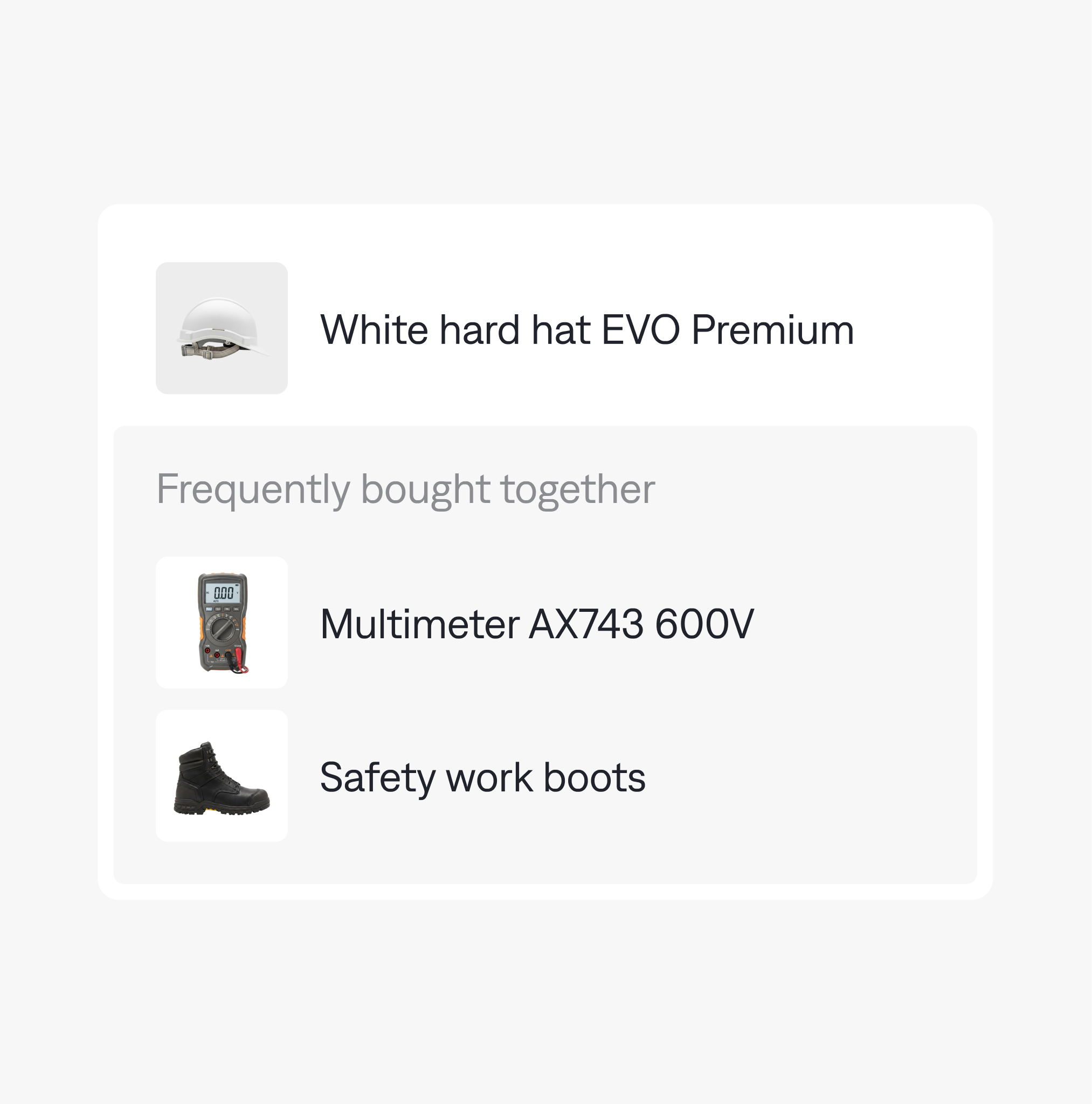
Recommendation rules
Set rules for which products appear as accessories, alternatives or related items. Bring your knowledge of the range into recommendations alongside what shopper behavior tells you.


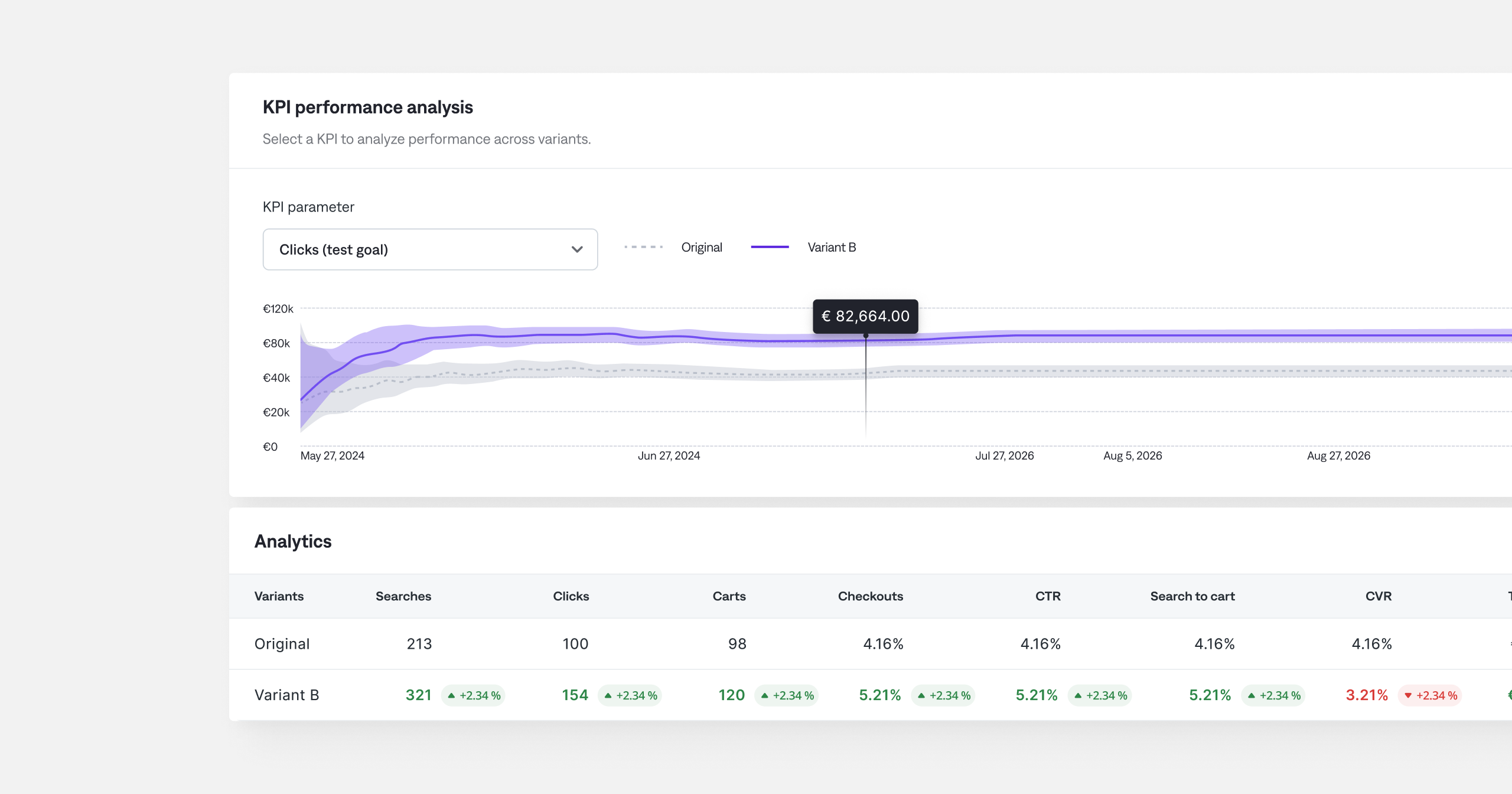
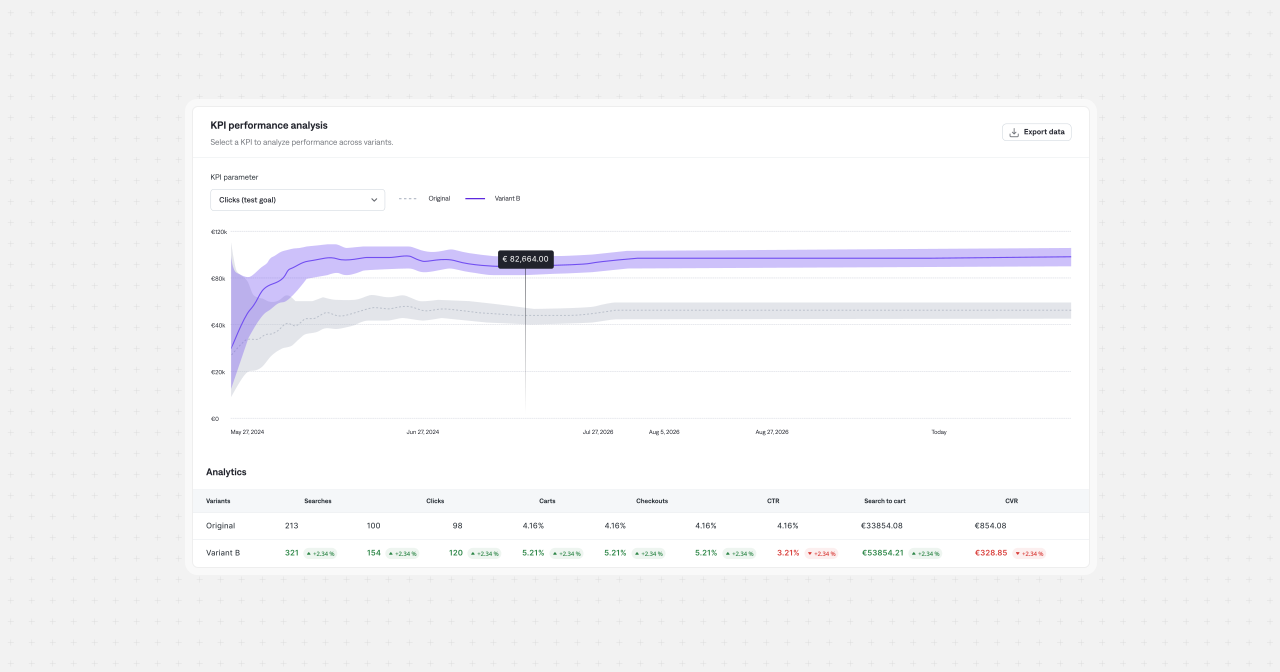
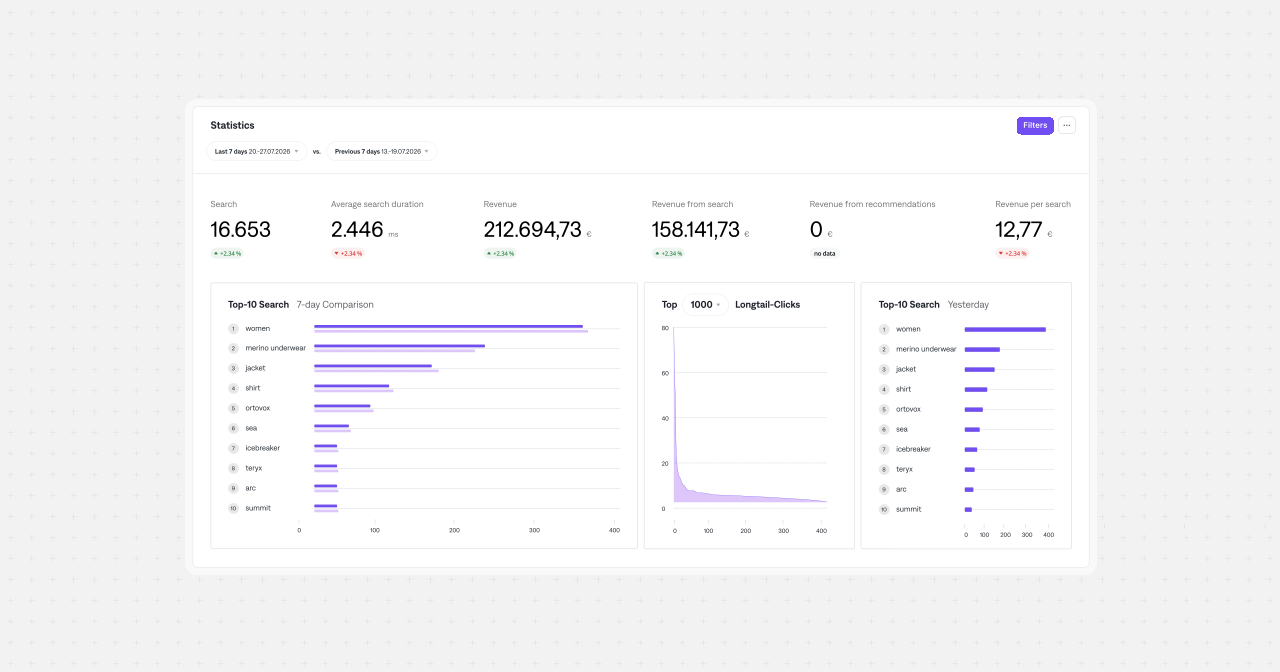
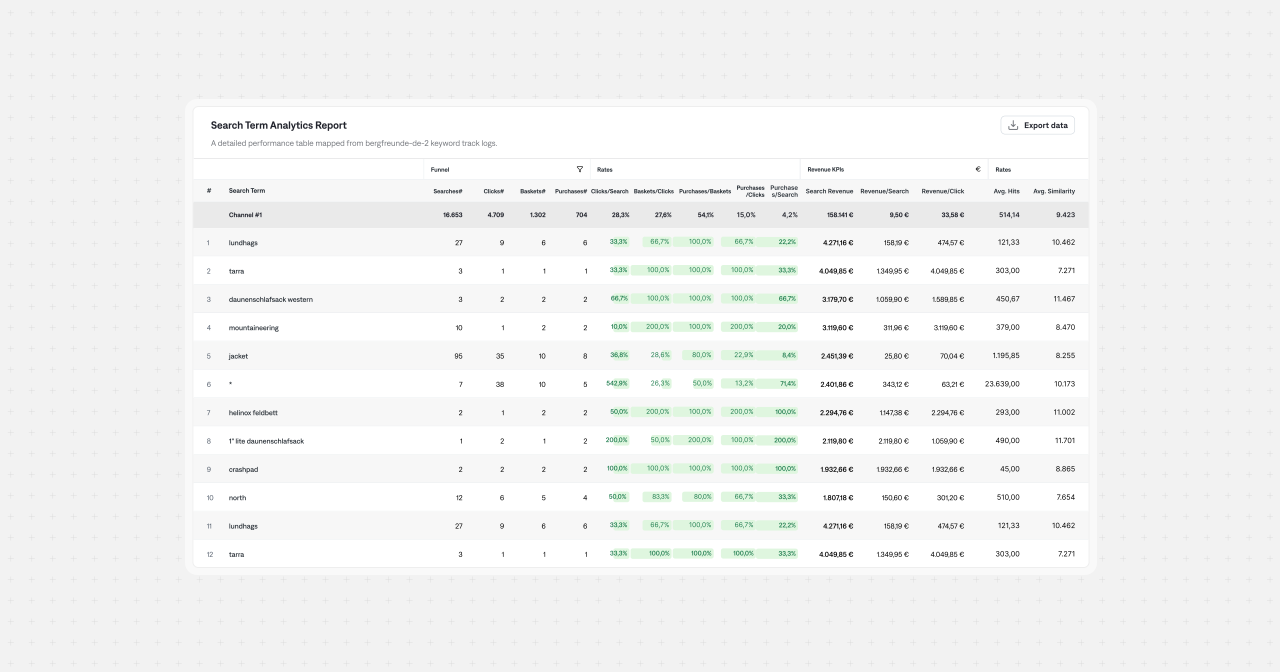
Build on the stack you already have
Slots right in: FactFinder connects to your existing commerce setup through APIs, commerce connectors and ready-made front-end components. Your developers or agency can combine them to suit the storefront you’re building.
Connectors for your commerce platform
Ready-made connectors bring your product data into FactFinder, giving your developers an existing integration to work with instead of a catalog export to build from scratch.


APIs for your own front end
Use FactFinder’s APIs to build search, navigation and recommendations into a custom storefront or app. Your team controls the interface and how discovery fits into the wider system.
Web components, ready to style
Start with ready-made search and discovery components that already connect to FactFinder. Style them to match your shop and combine them with custom API work where you need it.